
When it comes to keeping your business data safe, Multi-Factor Authentication (MFA) is no longer a luxury—it is a necessity. If you are already using the Zoho ecosystem, you have likely come across Zoho OneAuth. But a common question many business owners have is: “How much does it actually cost?”
In this guide, we will break down the pricing models for Zoho OneAuth and how it fits into the broader Zoho One suite to help you decide which path is right for your team.
Is Zoho OneAuth Free?
The short answer is yes. Zoho OneAuth is primarily a security application designed to protect your Zoho accounts. You can download the app on your smartphone and use it to manage logins via Push Notifications, QR codes, or Time-based OTPs without paying a separate subscription fee for the app itself.
It is built to be a seamless companion for anyone using Zoho services. Whether you are a solo entrepreneur or part of a massive corporation, you can implement Zoho OneAuth to add that vital layer of security to your account at no extra cost. It even works for third-party accounts like Google or Facebook, making it a versatile tool for your entire digital life.
Beyond Simple Logins: Advanced Security Features
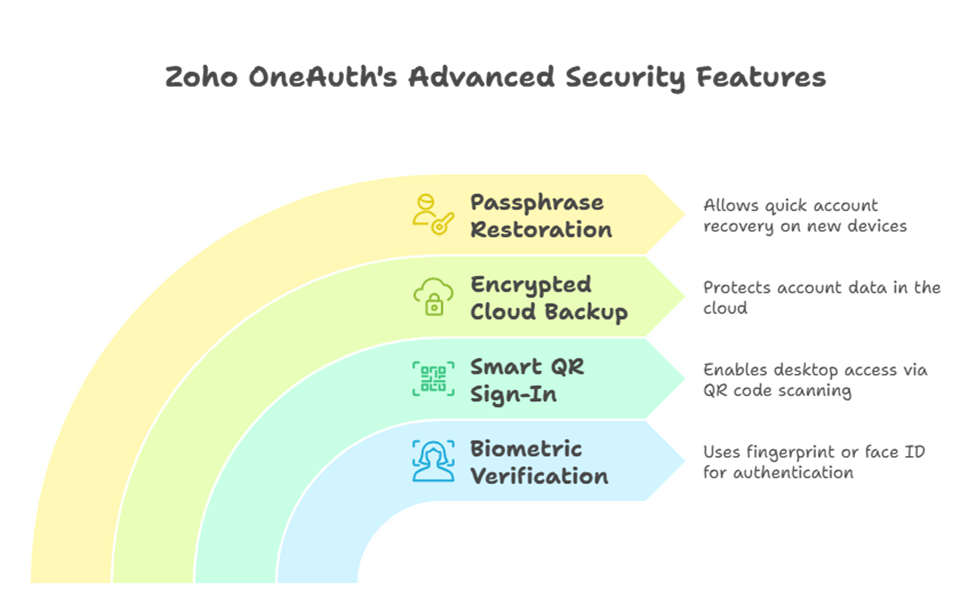
While the app is free, the value it provides is immense. Zoho OneAuth offers more than just six-digit codes. It includes biometric verification (fingerprint or face ID), “Smart QR” sign-in for desktop access, and encrypted cloud backup. This backup is crucial because if you ever lose your phone, you won’t be locked out of your business accounts. You can simply use your passphrase to restore your accounts on a new device in seconds.
Scaling Up with Zoho One
While the authentication app is free, most businesses use it as part of a larger strategy. If you are looking for a complete business solution, you are likely looking at Zoho One. This is where the pricing structure becomes more defined and where your business can truly find its stride.
Zoho One is an “all-in-one” suite that includes over 45 integrated applications, and Zoho OneAuth serves as the primary gateway to keep all those apps secure. In 2026, Zoho continues to offer two primary ways to pay for the suite:
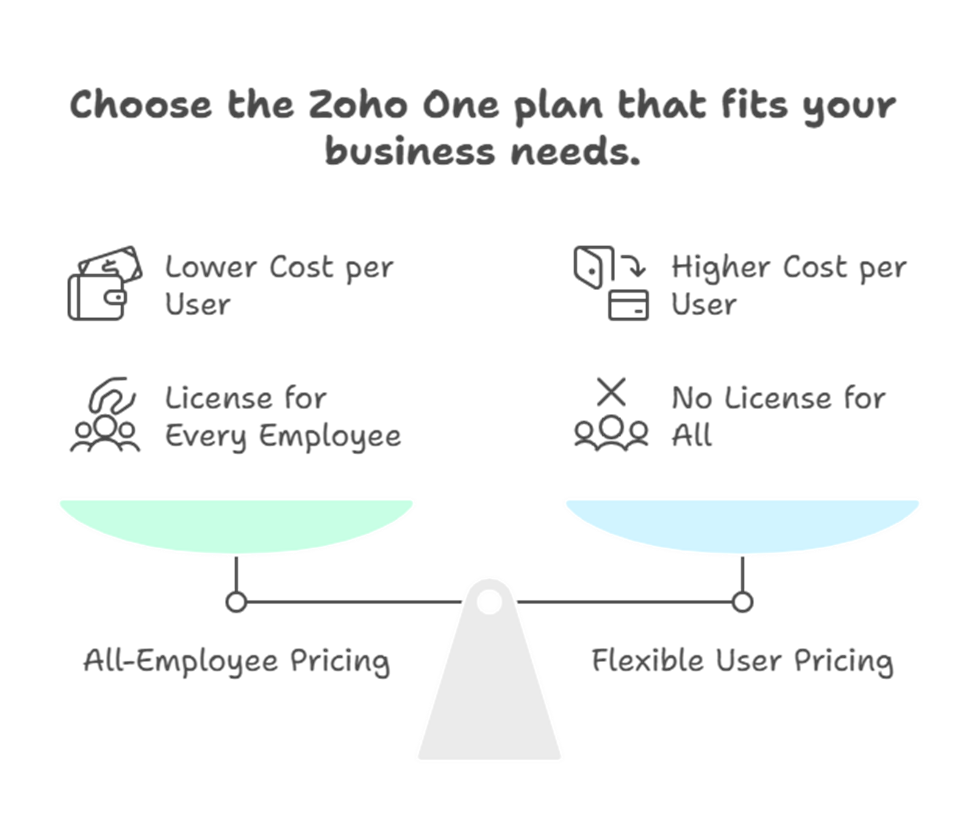
- All-Employee Pricing: This is the most popular choice for growing teams. You pay a significantly lower monthly fee per user (roughly $37 to $45 depending on annual or monthly billing), but you must purchase a license for every single employee in your company. This ensures everyone is on the same secure platform.
- Flexible User Pricing: If you only want to give a few specific team members access to the suite, you pay a higher monthly fee per user (usually around $90 to $105). However, you aren’t required to buy licenses for everyone in the building. This is great for businesses testing the waters or those with many “deskless” workers who don’t need digital tools.
By choosing a Zoho One plan, you aren’t just getting an authentication tool; you are getting a full operating system for your business, all protected by the robust security of Zoho OneAuth.
Features Comparison: How Does It Stack Up?
When choosing an authenticator, it helps to see how Zoho OneAuth compares to other popular options.
| Feature | Zoho OneAuth | Google Authenticator | Microsoft Authenticator |
| Cost | Free Forever | Free | Free |
| Push Notifications | Yes | No | Yes |
| Passwordless Login | Yes | No | Yes |
| Encrypted Backup | Yes (Zero-Knowledge) | Yes (Cloud Sync) | Yes (Cloud Sync) |
| Multi-Device Support | Yes (Mobile, PC, Watch) | Mobile Only | Mobile Only |
| Session Management | Yes | No | No |
| Folder Organization | Yes | No | No |
Why the Integrated Approach Matters
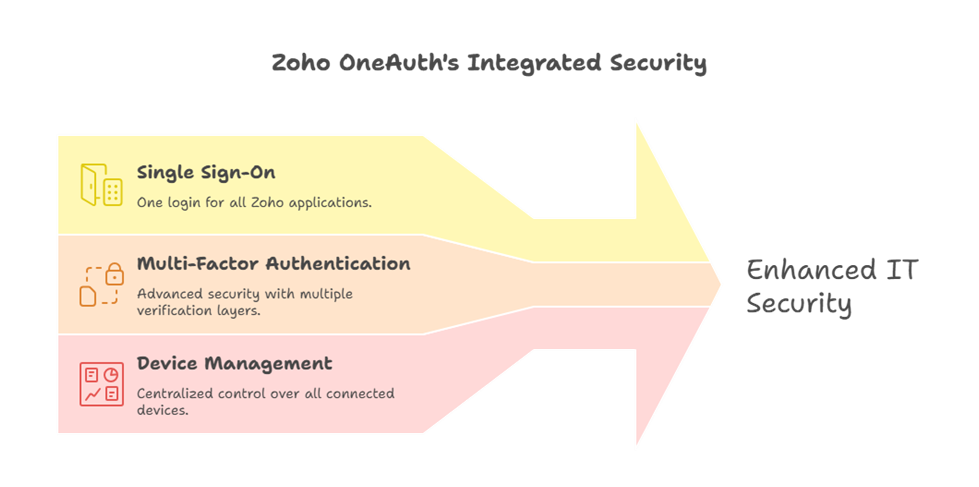
Using Zoho OneAuth within the Zoho One environment simplifies your IT management. Instead of juggling five different security vendors, everything is centralized. You get single sign-on (SSO) capabilities, meaning your team only has to remember one set of credentials, while you rest easy knowing their access is guarded by world-class MFA technology.
Additionally, you gain access to device management. From a central dashboard, admins can see which devices are signed in via Zoho OneAuth and remotely wipe or restrict access if a laptop or phone goes missing. This level of control is what turns a simple app into a professional enterprise security shield.
Frequently Asked Questions (FAQ)
1. Can I use Zoho OneAuth for non-Zoho accounts?
Yes! Zoho OneAuth is a standard TOTP authenticator. You can use it to secure any service that supports two-factor authentication, such as LinkedIn, GitHub, or your personal email accounts.
2. What happens if I lose my phone?
As long as you have enabled the Encrypted Cloud Backup and remember your secret passphrase, you can recover all your accounts on a new device instantly.
3. Do I need a Zoho One subscription to use OneAuth?
No. While Zoho OneAuth integrates perfectly with Zoho One, the app itself is free for anyone to use, regardless of their subscription level.
4. Is my data private with Zoho?
Absolutely. Zoho follows a strict privacy policy and does not monetize your data or show ads. Their “Zero-Knowledge” architecture ensures that even Zoho cannot see your encrypted backup secrets.





