In today’s world, keeping your business data safe is more than just a good habit; it is a legal requirement. With hackers getting smarter every day, a simple password just does not cut it anymore. That is where multi-factor authentication (MFA) comes in, and Zoho OneAuth has quickly become a favorite for many business owners. But before you switch your entire security system over, the big question is: Is it actually compliant with global data privacy laws?
Why Compliance Matters for Your Business
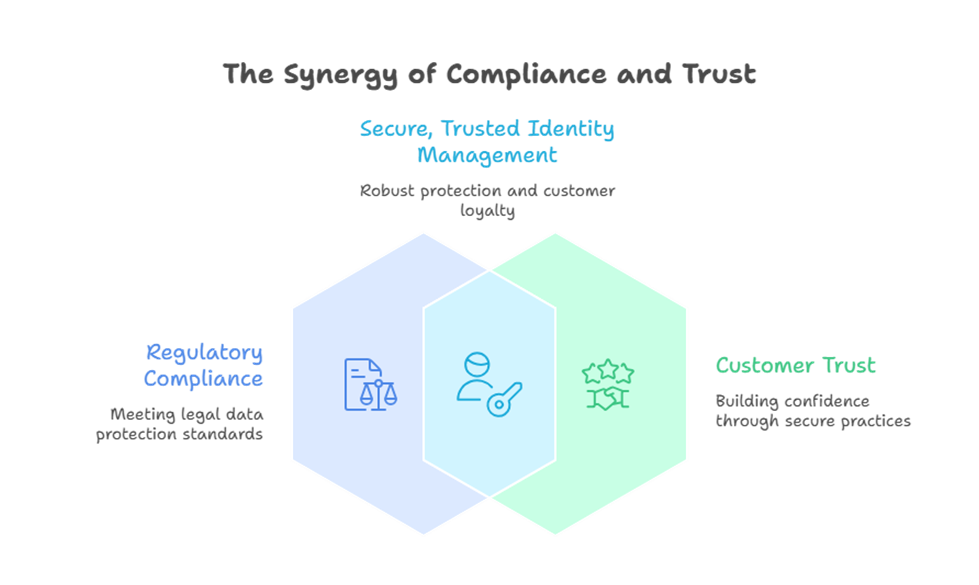
Whether you are dealing with GDPR in Europe, CCPA in California, or local privacy acts here in the region, how you handle user identity is strictly monitored. These laws require that you take “reasonable” steps to protect sensitive information. Using a tool like Zoho OneAuth is one of the most effective ways to prove you are taking these steps seriously.
Failure to comply with these regulations isn’t just about the risk of a hack; it can lead to massive fines and a total loss of customer trust. By implementing a robust MFA solution, you are essentially building a digital fence around your most valuable assets.
How Zoho OneAuth Keeps You Safe
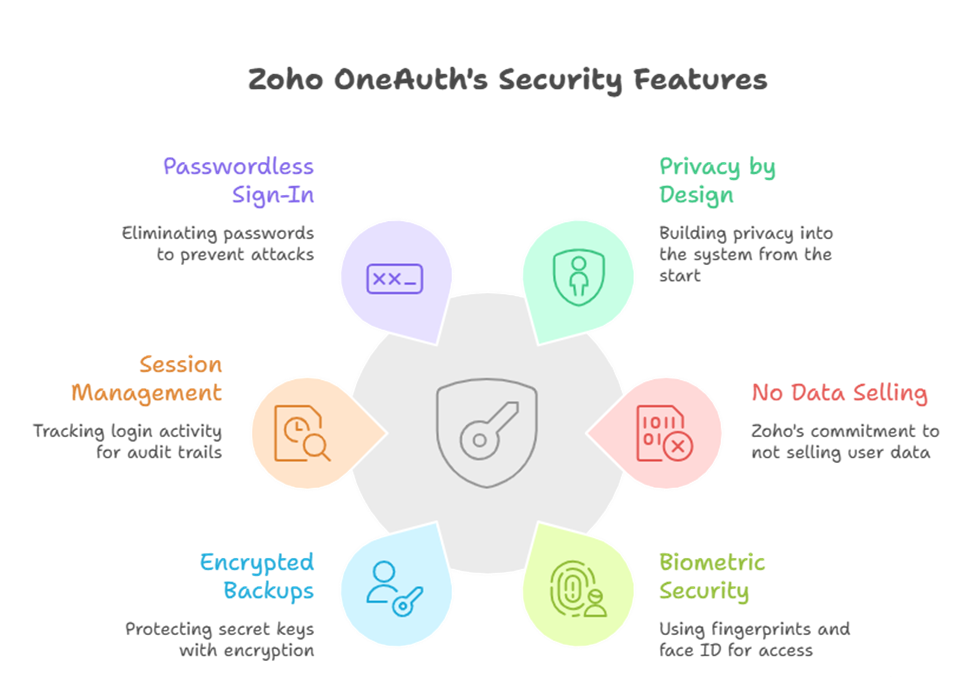
The reason Zoho OneAuth stands out isn’t just because it is easy to use; it is built on a foundation of “Privacy by Design.” Zoho, as a company, has a long-standing reputation for not selling user data to third parties, which is a massive plus when looking at compliance.
When you use Zoho OneAuth as part of your Zoho One suite, you get several layers of protection:
- Biometric Security: It uses Fingerprint and Face ID, ensuring that even if someone steals your phone, they can’t access your accounts.
- Encrypted Backups: Your secret keys are encrypted before they ever leave your device, keeping you in line with strict data storage regulations.
- Session Management: You can see exactly where and when someone logged in, which is vital for the “audit trails” required by many privacy laws.
- Passwordless Sign-In: By removing the need for a physical password, you eliminate the risk of credential stuffing and phishing attacks, which are the leading causes of data breaches today.
A Deep Dive into Global Regulations
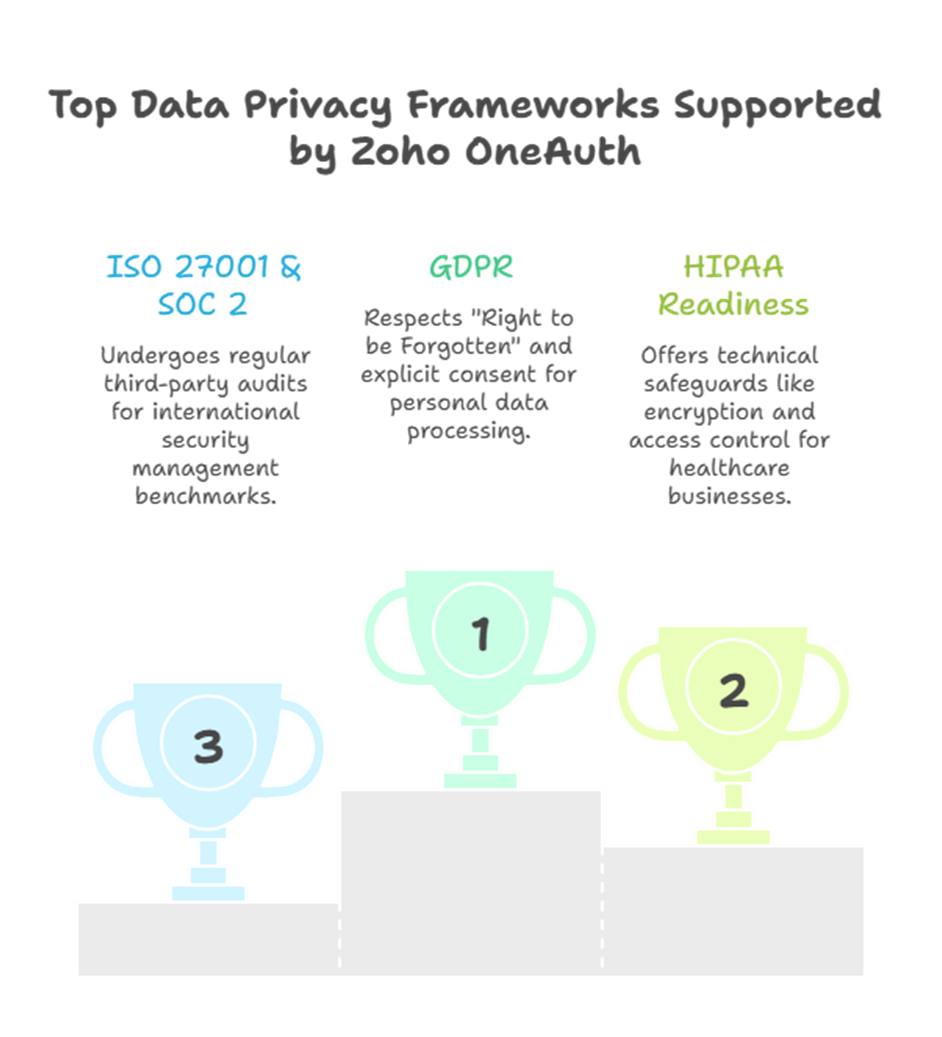
To truly understand if a tool is compliant, we have to look at the specific frameworks it supports. Zoho OneAuth is designed to meet the high standards of:
- GDPR (General Data Protection Regulation): Zoho provides tools that respect the “Right to be Forgotten” and ensure that personal data is processed only with explicit consent.
- HIPAA Readiness: For businesses in the healthcare sector, Zoho offers features that help you stay HIPAA compliant. This includes technical safeguards like encryption and access control that are built directly into the app.
- ISO 27001 & SOC 2: These are international benchmarks for security management. Zoho undergoes regular third-party audits to ensure their infrastructure and apps, like Zoho OneAuth, meet these rigorous criteria.
The Power of the Zoho One Ecosystem
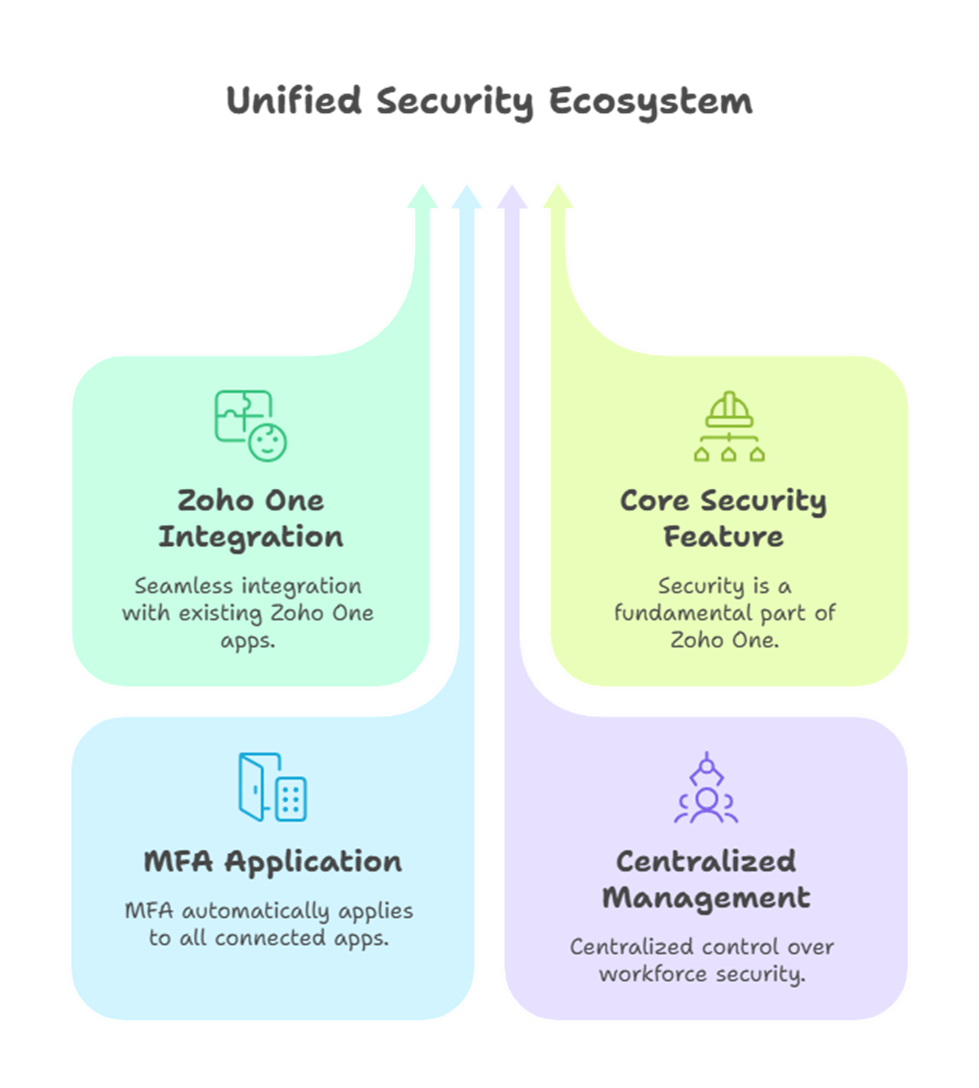
If you are already using Zoho One to run your operations, adding this extra layer of security is a no-brainer. It integrates seamlessly across all the apps you use daily, from CRM to Books. This means your team stays productive without leaving the door open for cyber threats.
Within the Zoho One bundle, security isn’t just an “add-on” feature. It is a core part of the operating system for business. When you enable MFA through Zoho OneAuth, it automatically applies to all your connected applications, giving you a centralized way to manage security for your entire workforce.
Frequently Asked Questions
1. Is Zoho OneAuth free to use?
Yes, it is a free multi-factor authentication app. You can use it to secure your Zoho accounts and even third-party accounts like Google or Facebook.
2. Can I use it if I am offline?
Absolutely. While push notifications require an internet connection, the app generates time-based OTP codes that work even when your phone is offline.
3. Does it store my biometric data?
No. Zoho does not store your fingerprints or face scans on their servers. The app simply uses the secure enclave already built into your smartphone to verify your identity.
4. What happens if I lose my phone?
You can recover your account using a “Passphrase” or backup codes that you generate during the setup process. This ensures you never get permanently locked out.
5. Is it better than SMS-based OTP?
Yes. Modern privacy regulations prefer app-based authentication because SMS can be intercepted through “SIM swapping” attacks. Zoho OneAuth is much more secure.