Finding the right way to protect your business data can feel like a maze. With so many security threats out there, just having a password isn’t enough anymore. This is where identity management comes in, and specifically, why people are looking at tools like Zoho OneAuth to keep things locked down.
But who exactly is behind this technology, and how does it fit into the bigger picture of the tech world? Let’s look at the main players and how they handle security.
The Powerhouse Behind OneAuth: Zoho Corporation
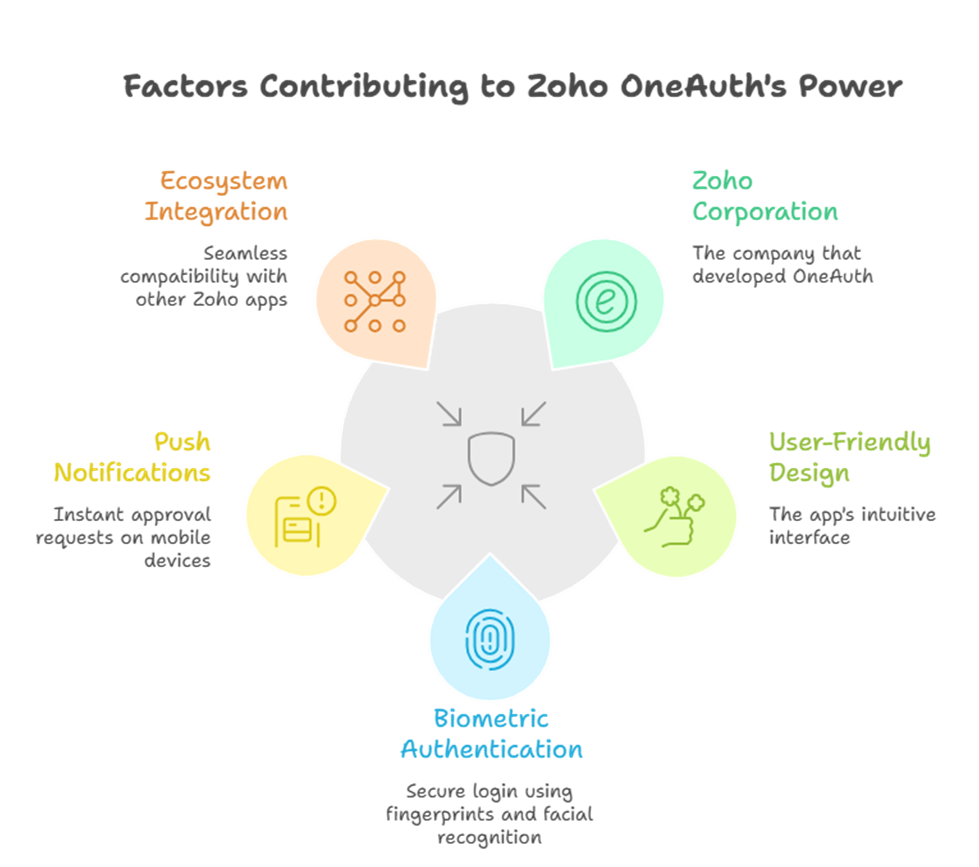
When we talk about this specific tool, the conversation always starts and ends with Zoho Corporation. They built Zoho OneAuth as a dedicated multi-factor authentication (MFA) app to solve a very real problem: making sure that only the right people can get into business accounts.
Unlike many other security apps that feel clunky or hard to use, Zoho Corporation designed this one to be smooth. It doesn’t just give you a code; it allows for biometric touch ID, face ID, and even “push” notifications where you just tap ‘Approve’ on your phone. Because Zoho Corporation has such a massive ecosystem of apps (like CRM, Mail, and Books), they needed a security layer that worked perfectly across all of them.
Comparing the Giants: How Others Handle Identity
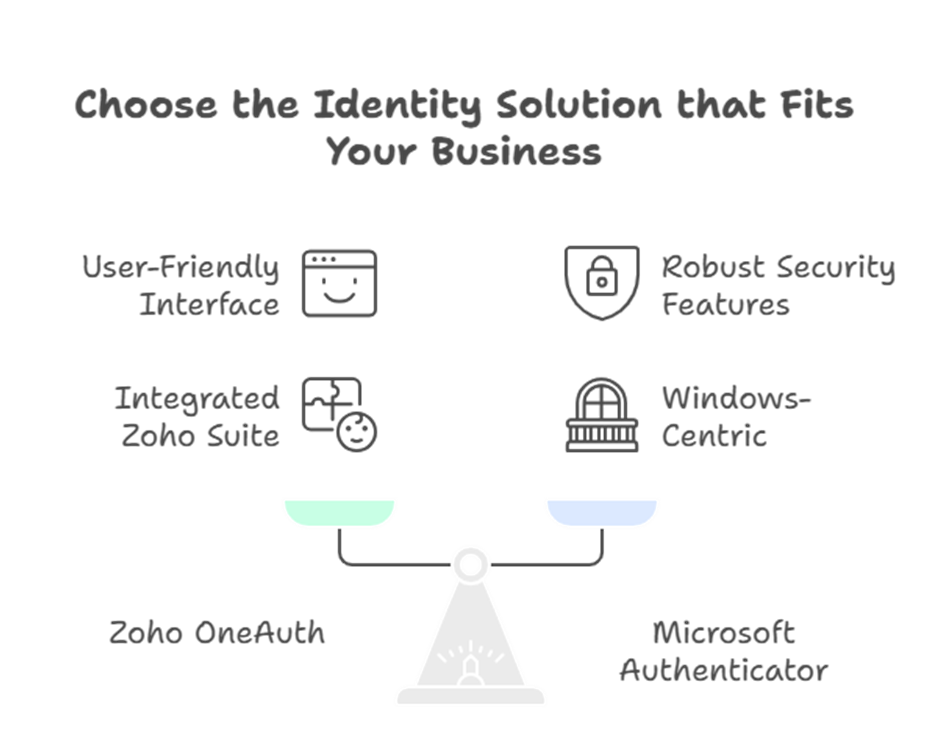
In the world of identity management, Zoho Corporation is often compared to other tech giants like Microsoft. While Microsoft has its own Authenticator app, many businesses find that Zoho OneAuth offers a more integrated experience if they are already using the Zoho suite.
Microsoft is obviously a leader in this space with their Entra ID (formerly Azure AD), and they provide robust security features for enterprise users. However, for companies that want a straightforward, user-friendly alternative to the heavy corporate feel of Microsoft, the solution from Zoho Corporation often wins out. While Microsoft focuses on a broad range of Windows-centric environments, Zoho OneAuth is built to be a universal key for modern, cloud-first businesses.
Feature Comparison: Zoho vs Microsoft
To help you decide which path is right for your team, here is a quick look at how the solutions from Zoho Corporation and Microsoft stack up against each other:
| Feature | Zoho OneAuth (Zoho Corporation) | Microsoft Authenticator (Microsoft) |
| Primary Ecosystem | Best for Zoho & Third-party apps | Best for Windows & Azure/O365 |
| Passwordless Sign-in | Supported (Biometric/Push/QR) | Supported (Phone sign-in) |
| Session Management | Remote logout & location tracking | Limited mobile session control |
| Offline Access | TOTP codes available offline | TOTP codes available offline |
| Cloud Sync | Secure sync with Passphrase | Sync via Microsoft Account |
| App Organization | Personal/Work Folders & Logos | Basic list view |
Why OneAuth stands out in a crowded market
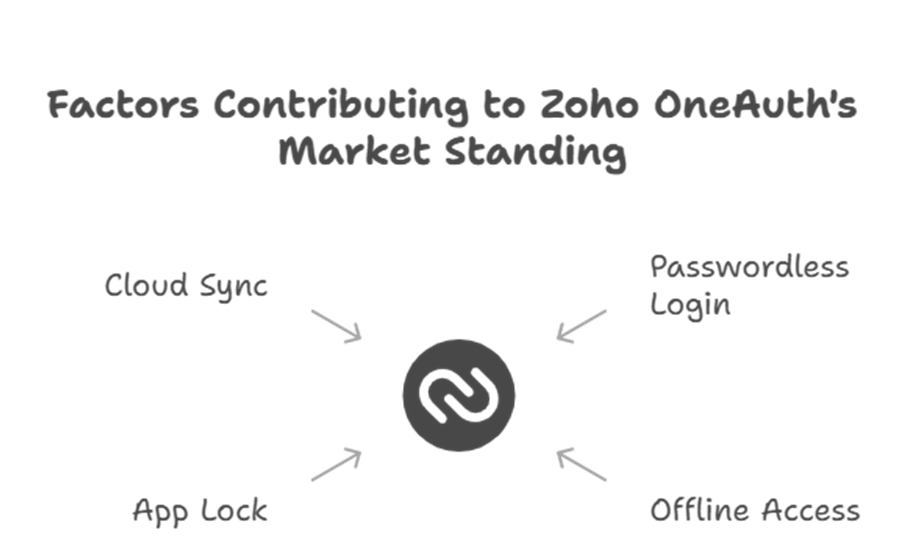
The identity management market is full of names like Okta, Bravura, and even Microsoft, but Zoho OneAuth has carved out a niche for itself. Here is why:
- Passwordless Login: You can actually log in without typing a password at all.
- Offline Access: Even if you don’t have internet, you can use the TOTP (Time-based One-Time Password) feature.
- App Lock: You can add an extra layer of security to the app itself.
- Cloud Sync: If you switch phones, Zoho Corporation makes it easy to restore your accounts so you aren’t locked out of your own life.
Beyond Codes: Advanced Identity Features
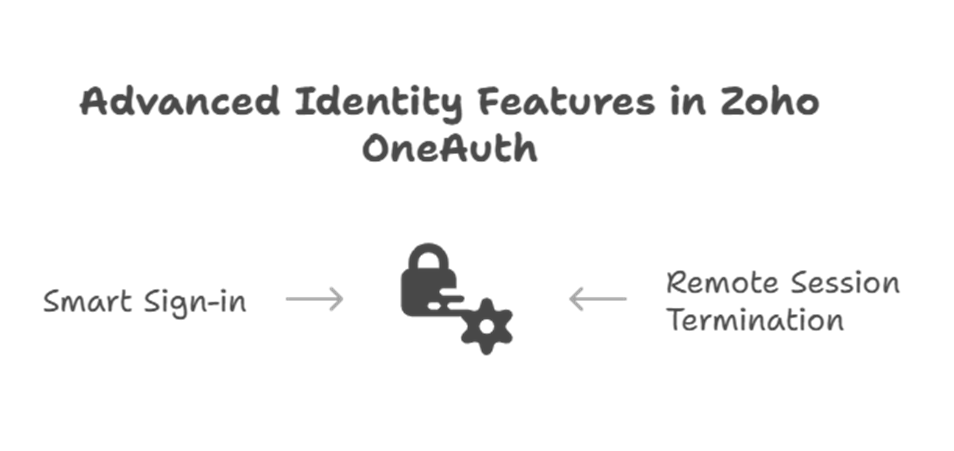
What many people don’t realize is that Zoho OneAuth isn’t just about six-digit codes. It acts as a central hub for your active sessions. If you leave your office and realize you forgot to log out of a public computer, you can actually use the app to remotely terminate that session. This level of control is something that even giants like Microsoft are still perfecting in terms of mobile user experience.
Furthermore, Zoho Corporation ensures that this tool supports “Smart Sign-in.” This means if you are using multiple Zoho apps on one device, you only need to verify your identity once. It creates a frictionless environment where security doesn’t slow down your work.
Secure Collaboration for Remote Teams
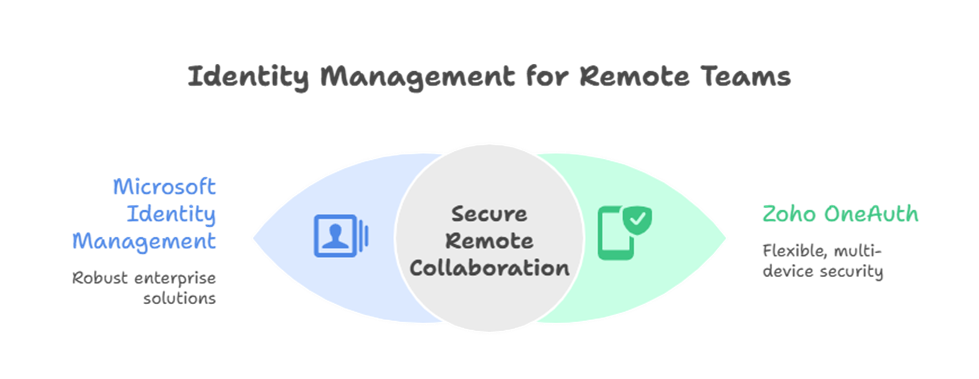
As more teams go remote, the pressure on identity management increases. Both Microsoft and Zoho Corporation have invested heavily in ensuring that remote workers can access sensitive data without creating vulnerabilities. For a growing business, the flexibility of Zoho OneAuth is a game changer. It allows you to designate “Primary” and “Secondary” devices, so even if your main phone dies, you have a verified backup ready to go.
The Bottom Line for Your Business
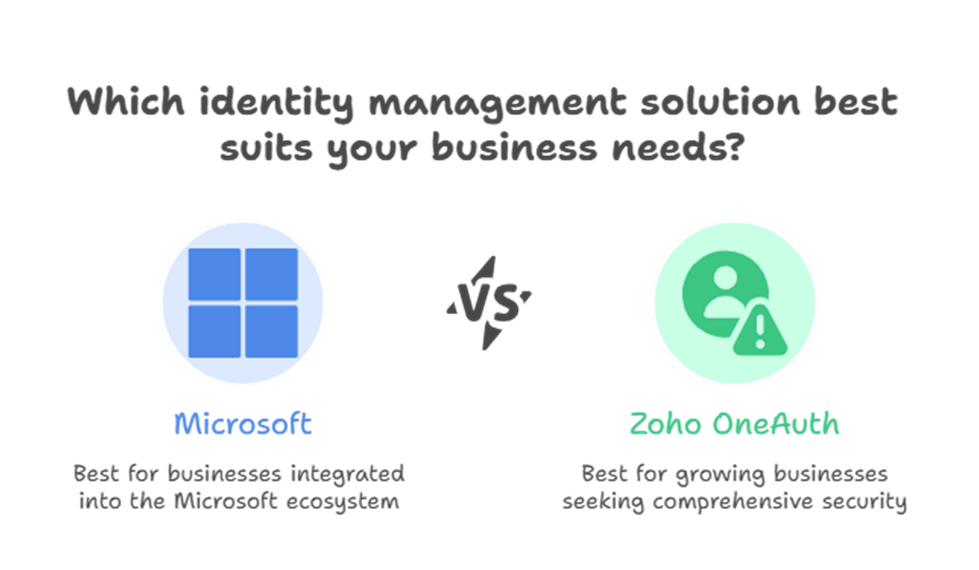
Choosing between the security models of Microsoft and Zoho Corporation usually comes down to which ecosystem you live in. If you want a security tool that is built by a company that understands the needs of growing businesses, Zoho OneAuth is the way to go.
Frequently Asked Questions (FAQ)
1. Can I use Zoho OneAuth for non-Zoho accounts?
Yes. While it is built by Zoho Corporation, it supports standard TOTP, meaning you can use it for Facebook, LinkedIn, Amazon, and any other site that uses 2FA.
2. Is Zoho OneAuth safer than SMS codes?
Absolutely. SMS codes can be intercepted via SIM swapping. Zoho OneAuth uses encrypted tokens and biometrics, which are much harder for hackers to touch.
3. Does Microsoft Authenticator work with Zoho?
Yes, you can use Microsoft’s app to secure Zoho, but you will miss out on specific features like one-tap push approvals and remote session management that only Zoho OneAuth provides for its own apps.
4. What happens if I lose my phone?
Zoho Corporation includes a backup and recovery feature using a unique “Passphrase.” As long as you have that phrase, you can restore all your linked accounts on a new device in seconds.